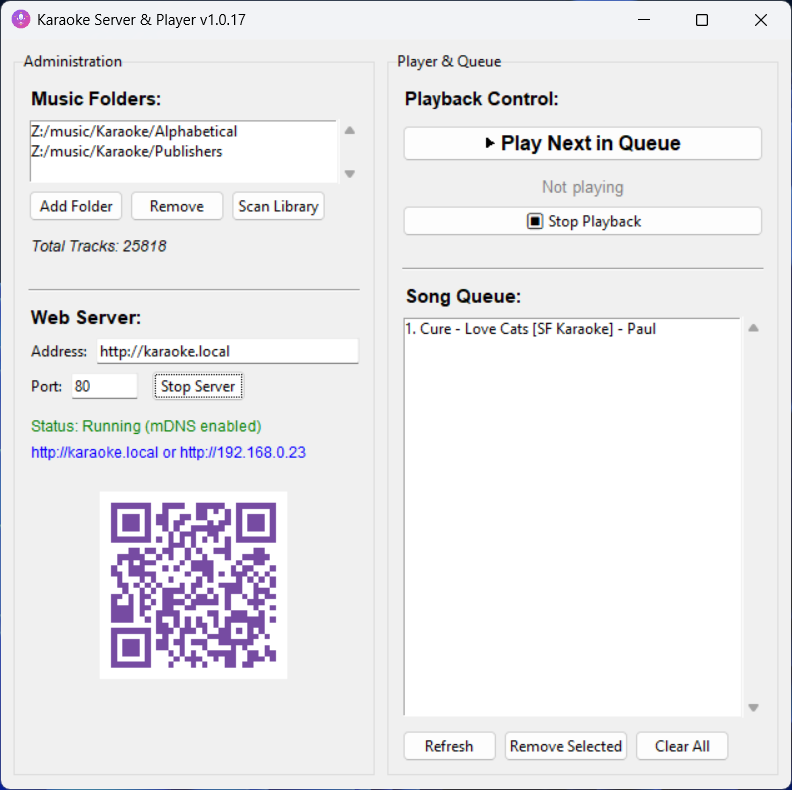
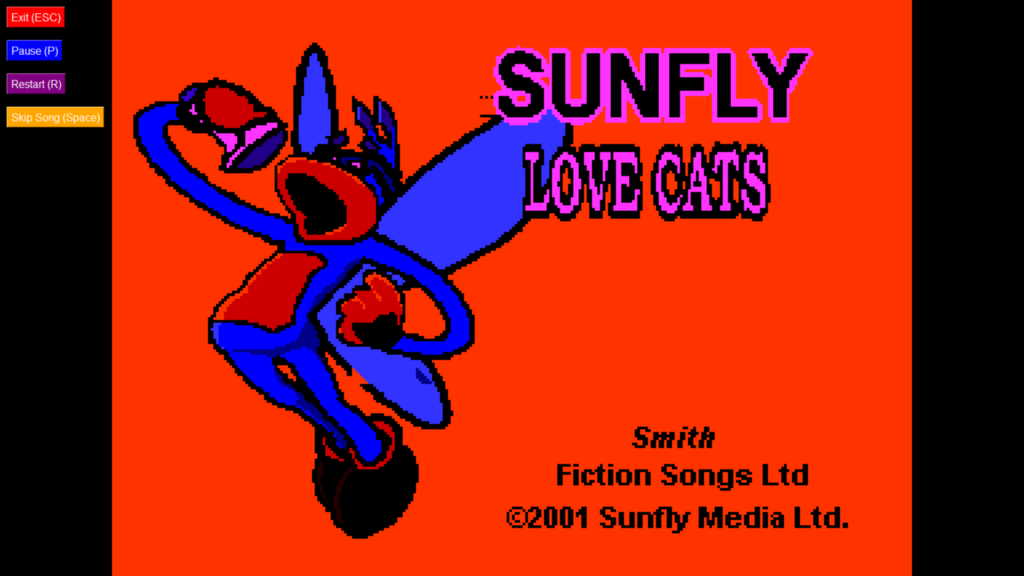
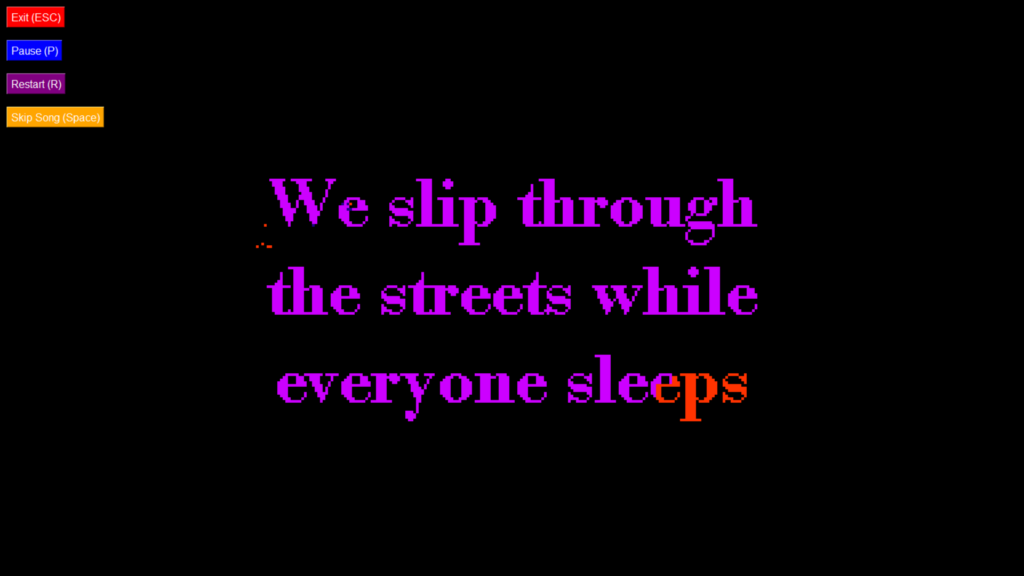
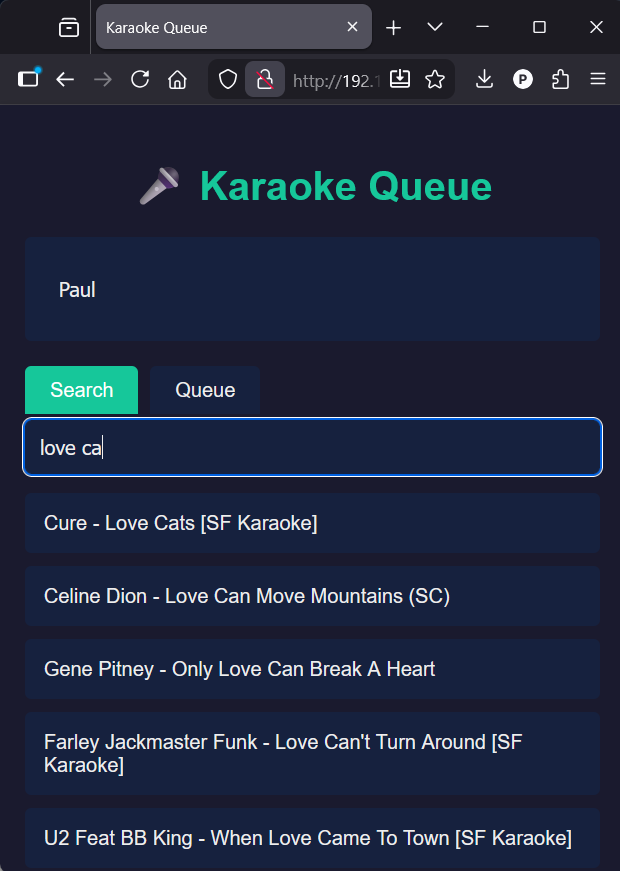
Utilising Claude AI developed in Python I have developed a Windows desktop Karaoke server and player app. Guests can remotely connect to the server from mobile devices and search the database of songs and add them to the player queue.
What I did in order to create m3u files I could import into Plex
Creating the playlist files in Plex is tedious. It is better to import them. This cannot be done simply through the Plex web interface, you need to use the API.
This is not as difficult as it sounds. I am not a programmer/developer by profession but I am tech savvy.
Some things to consider:
the m3u content file path for each mp3 file has to match your Plex media path
characters in the folder and file names that can be supported, accented characters from French, Spanish and other languages may be difficult to import in code
The steps I took:
created m3u files using VBScript
captured a list of the m3u files generated
converted the m3u file list into a batch file for import. I cover this in another post
VBScript to generate m3u files
I found a VBScript which someone has developed to create m3u files trawling through folders and subfolders looking for specific files types (mp3, wma, m4a). I modified it to create the m3u file with the content for each mp3 file with a prefix that matches my Plex media path AND using the artist and album name in the m3u file name title.
Const ForReading = 1, ForWriting = 2, ForAppending = 8

' Parse command-line arguments
delete = false
set args = WScript.Arguments
if args.Count > 0 then
if LCase(args(0)) = "-d" then
delete = true
end if
end if

' Write m3u files for current directory tree
set fso = CreateObject("Scripting.FileSystemObject")
wscript.echo WriteM3u(fso.GetAbsolutePathName("."), delete) & " files written"

' Recursive function to write m3u files for a given path
function WriteM3u(path, delete)
count = 0
set fso = CreateObject("Scripting.FileSystemObject")
set fdr = fso.GetFolder(path)

' Write m3u file for each subfolder
if fdr.SubFolders.Count > 0 then
for each subFolder in fdr.SubFolders
count = count + WriteM3u(subFolder.path, delete)
next
end if

' If no files found in subfolders, write m3u file for this folder
if count = 0 then
rem wscript.echo "Scanning """ & fdr.Path & """"
' Build list of mp3/wma files
mp3List = ""
m3uName = fdr.ParentFolder.Name
for each f in fdr.Files
if right(f.Name, 3) = "mp3" or right(f.Name, 3) = "wma" or right(f.Name, 3) = "m4a" then
mp3List = mp3List & "/media/music/artists/" & fdr.ParentFolder.Name & "/" & fdr.Name & "/" & f.Name & VBCrLf
end if
next

' If any files found, write m3u file
if mp3List <> "" then
' Multi-disc folder handling
if len(fdr.Name) = 6 and left(fdr.Name, 5) = "Disc " then
m3uName = fdr.ParentFolder.Name & " - " & " (" & fdr.Name & ").m3u"
else
m3uName = fdr.ParentFolder.Name & " - " & fdr.Name & ".m3u"
end if

' Existing m3u file handling
m3u = path & "\" & m3uName
if fso.FileExists(m3u) then
'fso.DeleteFile m3u
end if

' Write new m3u file
rem wscript.echo "... writing """ & m3uName & """"
set m3uFile = fso.OpenTextFile(m3u, ForWriting, True)
m3uFile.Write(mp3List)
m3uFile.Close
count = 1
else
rem wscript.echo "... no mp3/wma files found"
end if
end if

' Return m3u file count
WriteM3u = count
end function
The lines that need to be modified for you configuration are:
Path in the m3u for your Plex media – mp3List = mp3List & “/media/music/artists/”
If you get any CURL errors it will be due to an unacceptable characters in your path so it is a case of trial and error.
Batch files using CURL
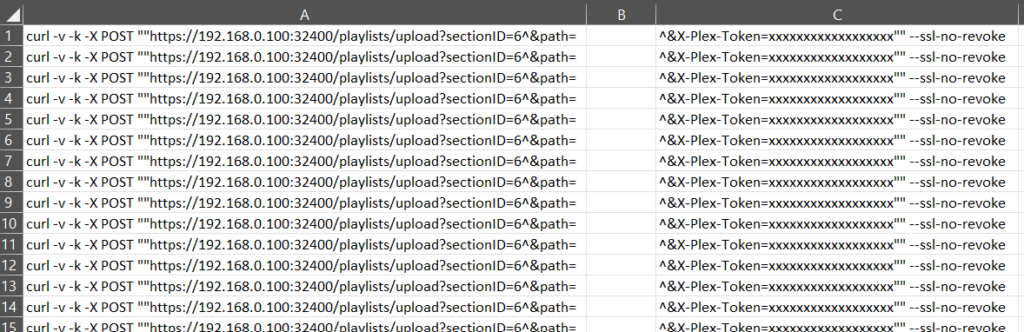
….and what is different to the command line? The main difference is you have to double all the quotes and % symbols. Then you have to escape the & with ^ so a batch file command line looks like this:
curl -v -k -X POST “”https://192.168.0.100:32400/playlists/upload?sectionID=X^&path=/your/media/music/artist-name/album-name/artist-name-plus-album-name.m3u^&X-Plex-Token=xxxxxxxxxxxxxxxxxxx“” –ssl-no-revoke
“”https…..
^&path
^&X-Plex-
“” –ssl-no-revoke
Errors
You should see some codes in the CURL output
200 = has worked
404 = something wrong in your code, probably a typo or the wrong characters
500 = the path to folder or file doesn’t exist on the server. Scan your library and check filenames and path against the one in your m3u file
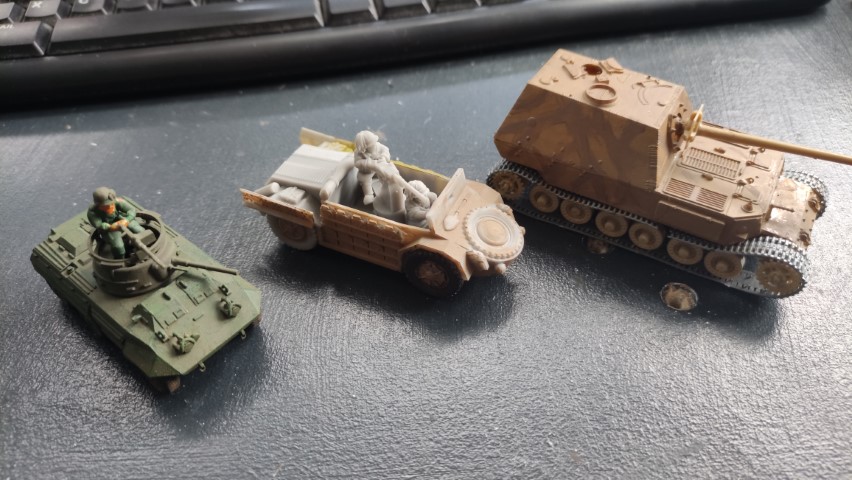
Now that I’m getting back into modelling I thought I’d try out a few old with the new.
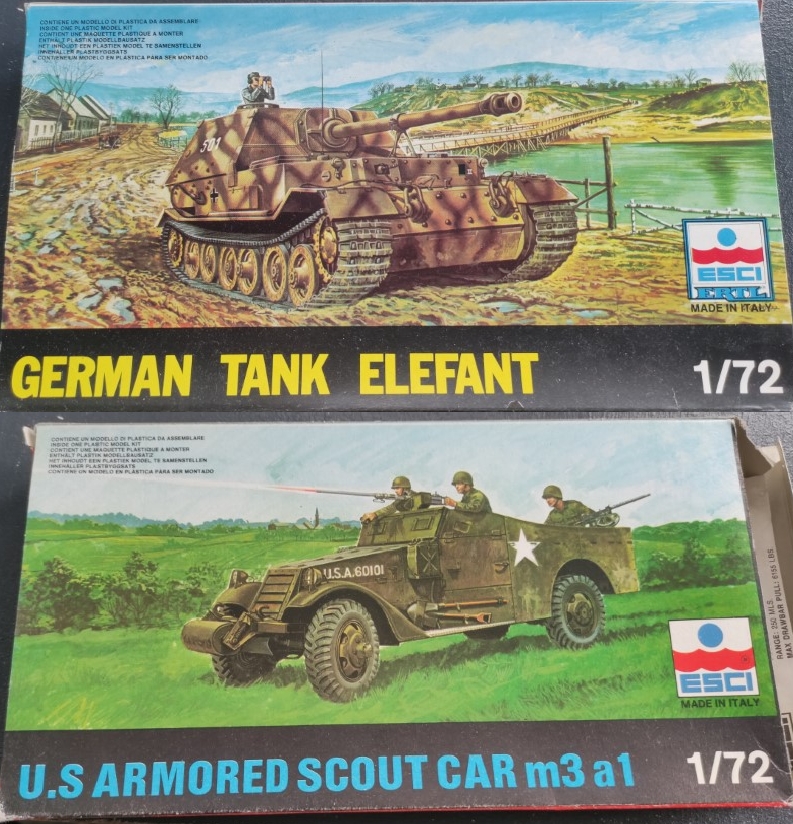
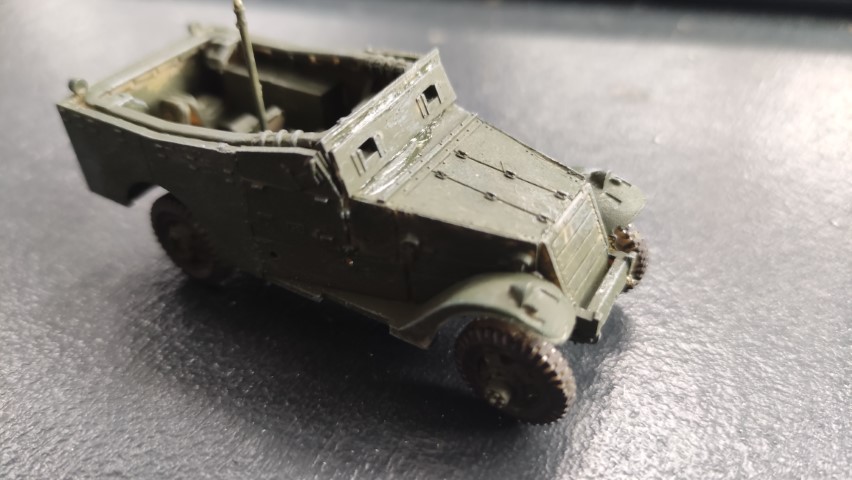
I’ve dug out some old ESCI kits such as the ESCI 8038 U.S. Armored Scout Car m3 a1 and the ESCI 8006 ‘Elefant’ both of which I could never find in my youth but have acquired more recently. I always wanted the scout car and they did it a couple of variants including the ESCI 8068 French and Russian ‘White’ m3.
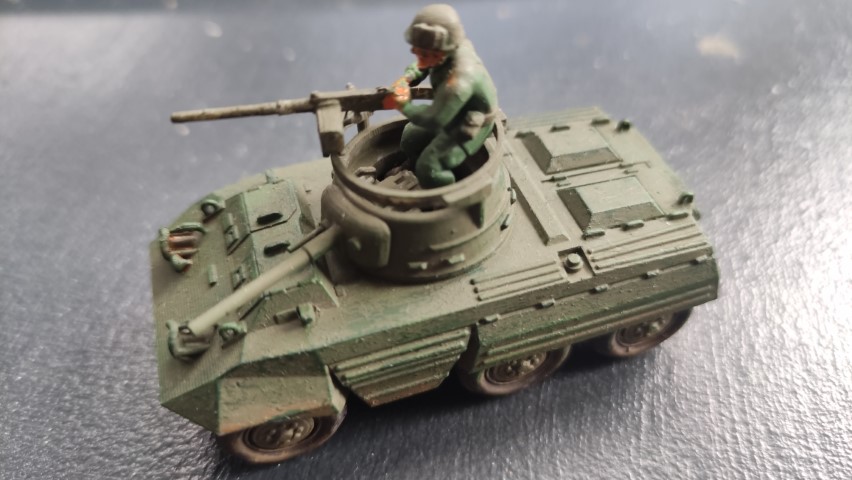
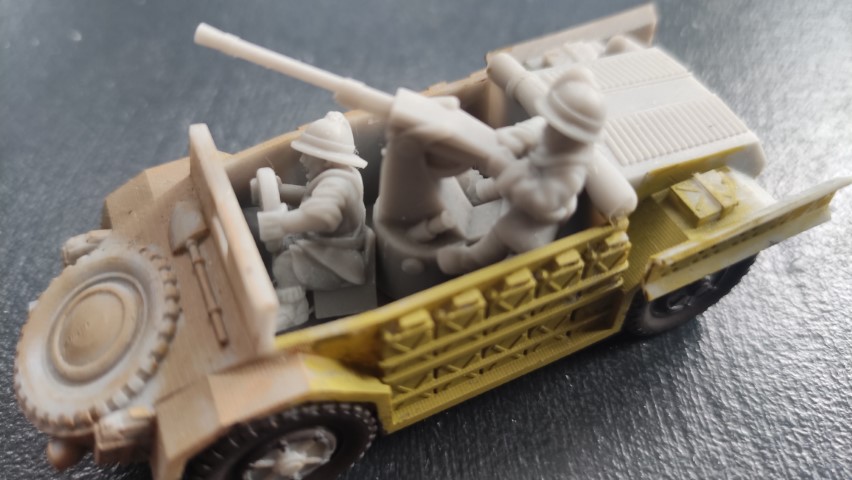
The ‘new’ kits are 3D printed from Badger 3D Creations and I’ve included the pictures (without consent, happy to remove if contacted). I’m very impressed with the M8 Greyhound and the level of detail. The Italian SPA-Viberti AS.42 seems a little more bulky and less detailed but both are well printed, smooth and without any obvious 3D printing hangovers.
In the past I only ever used enamel paints (Airfix, Humbrol, Revell) but I’ve just got some Vallejo acrylics and they are very good.
Just trying out some options for a sand base colour.
Washing seems to be the new craze, in the old days we painted them ‘factory finish’ where as now they have to look battlefield used.