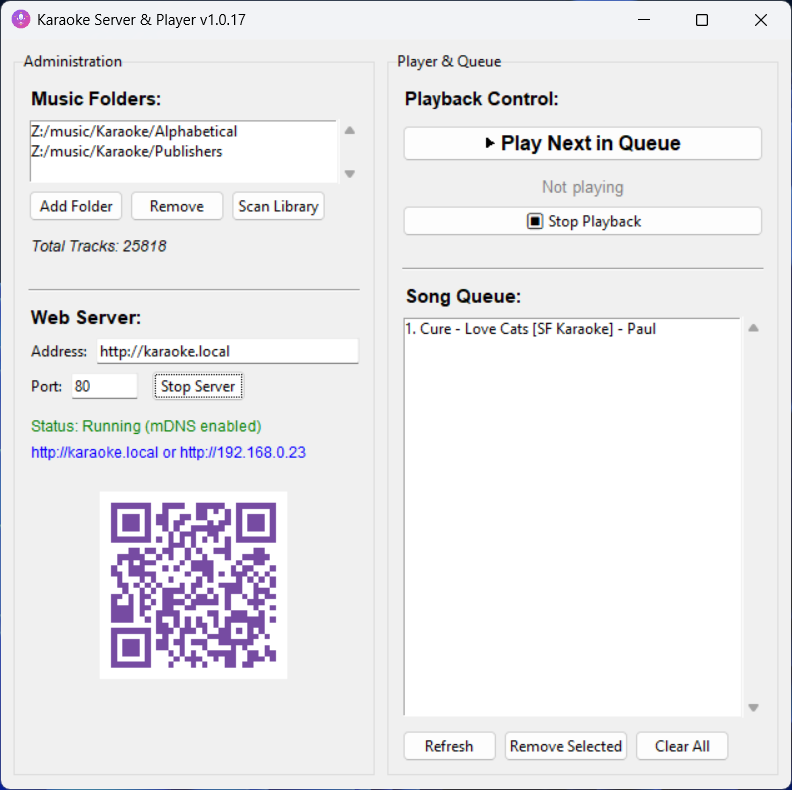
Utilising Claude AI developed in Python I have developed a Windows desktop Karaoke server and player app. Guests can remotely connect to the server from mobile devices and search the database of songs and add them to the player queue.
What I did in order to create m3u files I could import into Plex
Creating the playlist files in Plex is tedious. It is better to import them. This cannot be done simply through the Plex web interface, you need to use the API.
This is not as difficult as it sounds. I am not a programmer/developer by profession but I am tech savvy.
Some things to consider:
the m3u content file path for each mp3 file has to match your Plex media path
characters in the folder and file names that can be supported, accented characters from French, Spanish and other languages may be difficult to import in code
The steps I took:
created m3u files using VBScript
captured a list of the m3u files generated
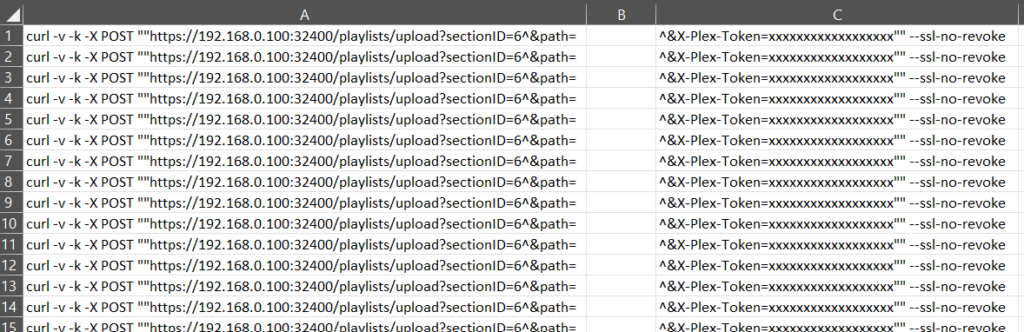
converted the m3u file list into a batch file for import. I cover this in another post
VBScript to generate m3u files
I found a VBScript which someone has developed to create m3u files trawling through folders and subfolders looking for specific files types (mp3, wma, m4a). I modified it to create the m3u file with the content for each mp3 file with a prefix that matches my Plex media path AND using the artist and album name in the m3u file name title.
Const ForReading = 1, ForWriting = 2, ForAppending = 8

' Parse command-line arguments
delete = false
set args = WScript.Arguments
if args.Count > 0 then
if LCase(args(0)) = "-d" then
delete = true
end if
end if

' Write m3u files for current directory tree
set fso = CreateObject("Scripting.FileSystemObject")
wscript.echo WriteM3u(fso.GetAbsolutePathName("."), delete) & " files written"

' Recursive function to write m3u files for a given path
function WriteM3u(path, delete)
count = 0
set fso = CreateObject("Scripting.FileSystemObject")
set fdr = fso.GetFolder(path)

' Write m3u file for each subfolder
if fdr.SubFolders.Count > 0 then
for each subFolder in fdr.SubFolders
count = count + WriteM3u(subFolder.path, delete)
next
end if

' If no files found in subfolders, write m3u file for this folder
if count = 0 then
rem wscript.echo "Scanning """ & fdr.Path & """"
' Build list of mp3/wma files
mp3List = ""
m3uName = fdr.ParentFolder.Name
for each f in fdr.Files
if right(f.Name, 3) = "mp3" or right(f.Name, 3) = "wma" or right(f.Name, 3) = "m4a" then
mp3List = mp3List & "/media/music/artists/" & fdr.ParentFolder.Name & "/" & fdr.Name & "/" & f.Name & VBCrLf
end if
next

' If any files found, write m3u file
if mp3List <> "" then
' Multi-disc folder handling
if len(fdr.Name) = 6 and left(fdr.Name, 5) = "Disc " then
m3uName = fdr.ParentFolder.Name & " - " & " (" & fdr.Name & ").m3u"
else
m3uName = fdr.ParentFolder.Name & " - " & fdr.Name & ".m3u"
end if

' Existing m3u file handling
m3u = path & "\" & m3uName
if fso.FileExists(m3u) then
'fso.DeleteFile m3u
end if

' Write new m3u file
rem wscript.echo "... writing """ & m3uName & """"
set m3uFile = fso.OpenTextFile(m3u, ForWriting, True)
m3uFile.Write(mp3List)
m3uFile.Close
count = 1
else
rem wscript.echo "... no mp3/wma files found"
end if
end if

' Return m3u file count
WriteM3u = count
end function
The lines that need to be modified for you configuration are:
Path in the m3u for your Plex media – mp3List = mp3List & “/media/music/artists/”